A quieter browser: what Nova actually changes
Mozilla has spent more than a year working on "Project Nova", the codename for the most significant visual overhaul of Firefox in years. The company officially confirmed the redesign earlier this year, teased it again in June alongside a new public roadmap, and published a detailed explainer post ahead of launch. The new design ships on September 29 with Firefox version 157, at which point it becomes the default experience for the public rather than something you switch on with a flag.
The headline message from Mozilla is deliberate: Nova is visual rather than functional. Your extensions stay where they are. Your keyboard shortcuts work the same way. Menus sit where you expect them. The company has been explicit that existing users should not have to relearn the browser just because it looks different. That matters, because redesigns that move furniture around tend to provoke the loudest backlash from the users who care most — and Firefox's remaining audience cares a great deal.
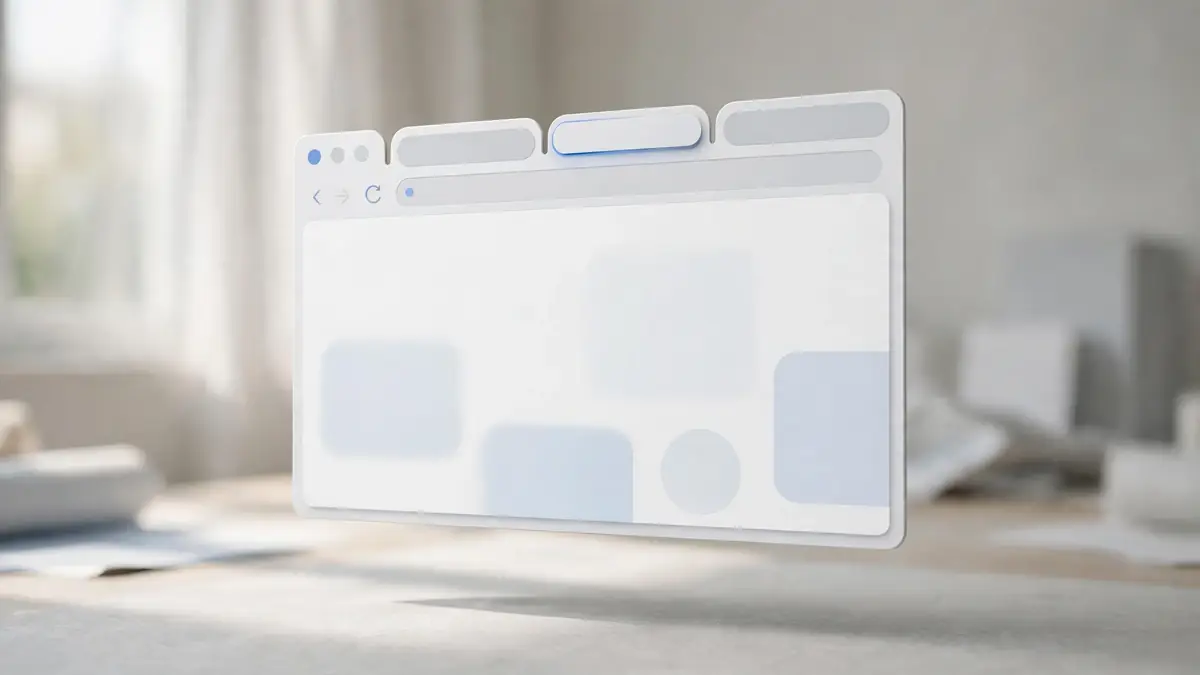
What has changed is the texture of the interface. Mozilla has cleaned up the toolbar and the tab strip to cut visual clutter. Tabs now have a softer, more rounded appearance, and elements such as icons, menus, panels and browser controls have been given a more consistent visual language. Spacing across the interface has been rebalanced to make better use of available screen space. The overall effect, per Mozilla's own framing, is cleaner and tidier: less visual noise, more breathing room.
For a browser that has spent recent years refining rather than reinventing, that restraint is itself a design statement. The modern web interface has been drifting in two directions at once: some products chase translucent, glassy surfaces and depth effects, while others strip everything back to flat, neutral minimalism. Nova leans toward the latter — calm, legible, and deliberately unobtrusive. The browser is infrastructure for most people, not a stage. A design that recedes into the background respects that reality.
What Firefox told users before launch
Ahead of release, the official Firefox account posted a thread on X on September 23 walking through the modernization of the look and feel, and answering questions from users. The thread opened with what has not changed — extensions, shortcuts, and menus remain familiar — before moving to what is new. As the account put it:
"The web has changed a lot over the last few years, and we've been changing with it. Our new Firefox design ships September 29 with FX 157." — Firefox, on X, September 23, 2026
The same thread confirmed something that will please long-time users: several features that had been set aside were reintroduced for Nova. Themes, wallpapers, and widgets are part of the new experience. Mozilla says it worked with the community to gather feedback during testing and implemented changes before the broader rollout. That is worth noting, because earlier testing phases of the redesign reportedly drew mixed opinions. A redesign that lands with adjustments made in response to real feedback has a better chance of surviving contact with millions of daily users.
Impatient users do not have to wait for the update to roll out. The Nova redesign has been available behind a preference flag: open the address bar, type about:config, search for browser.nova.enabled, and set the value to true. The browser interface changes immediately. With version 157, the flag becomes unnecessary — Nova is the default.
Why the design matters beyond aesthetics
Firefox occupies an unusual position in the browser market. It remains one of the few major browsers not built on Chromium, and it is one of the last places where extensions like the popular ad blocker uBlock Origin still run with full capabilities. Coverage of the Nova launch has framed the redesign as part of Mozilla's broader effort to win back users who might be tempted by Chromium alternatives — not just with privacy credentials and extension support, but with the everyday feel of the product.
That framing is instructive for anyone who works in product design. Functional differentiation gets people to try a product; interface quality determines whether they stay. A browser that feels dated creates a quiet tax on trust, especially among the design-literate professionals Mozilla hopes to attract. Nova is, in that sense, a retention play disguised as a facelift. The company also recently aligned its release cadence with Chrome and Edge, signalling that it intends to compete on tempo as well as values.
There is also an accessibility dimension that deserves more attention than it usually gets. Mozilla has said the Nova redesign brings improved accessibility alongside cleaner visuals and more personalization. Interface modernizations are one of the rare moments when a product team revisits contrast, focus states, spacing, and touch targets at scale. If Nova ships with measurably better keyboard navigation and clearer visual hierarchy, that will matter more to daily life than any individual aesthetic choice.
What designers should watch
For interface designers, Nova is a useful case study in conservative modernization. The design does not chase trends for their own sake. It reduces noise, unifies components, rebalances spacing, and restores personalization options users asked for. There is no single flashy gesture to screenshot — and that is arguably the point.
Three lessons stand out. First, the commitment to keep functional layout stable while changing visual treatment is a model for how to redesign mature products without alienating power users. Second, the reintroduction of themes, wallpapers, and widgets shows the value of listening when a community tells you what it missed. Third, the decision to let users preview the redesign early via a flag turned the riskiest part of a launch — surprise — into an ongoing conversation.
The real test begins now. Version 157 is rolling out to the public, and millions of people who never read a design blog will form their opinions in the first thirty seconds. If Nova fades into the background of their day, Mozilla will have succeeded on its own terms. A browser interface, at its best, is something you never have to think about.
Sources